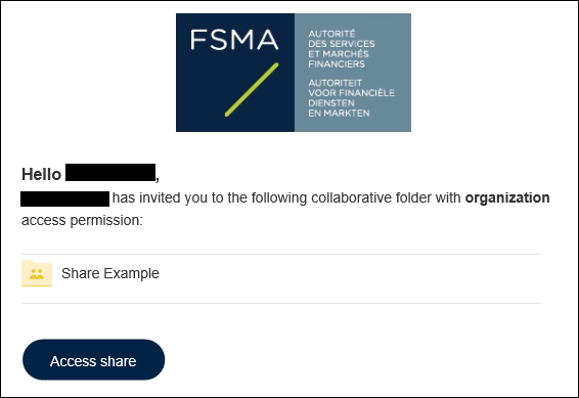
To access a 'collaborative folder', you must have received an email from your FSMA contact stating that a 'collaborative folder' has been made available to you.
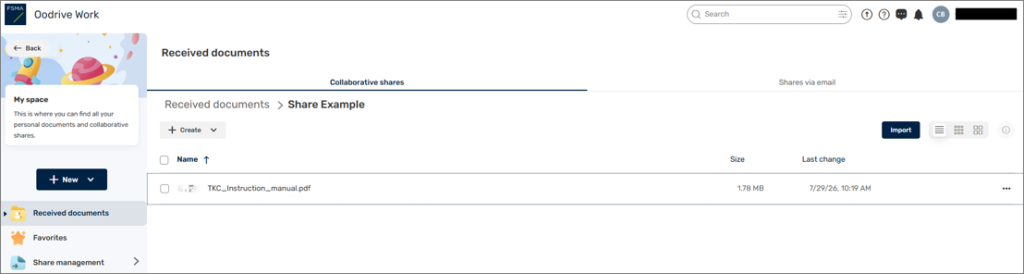
Click on Access to share. If you are not already logged into the Platform, log in as explained earlier. You will land on a page that looks like this: